
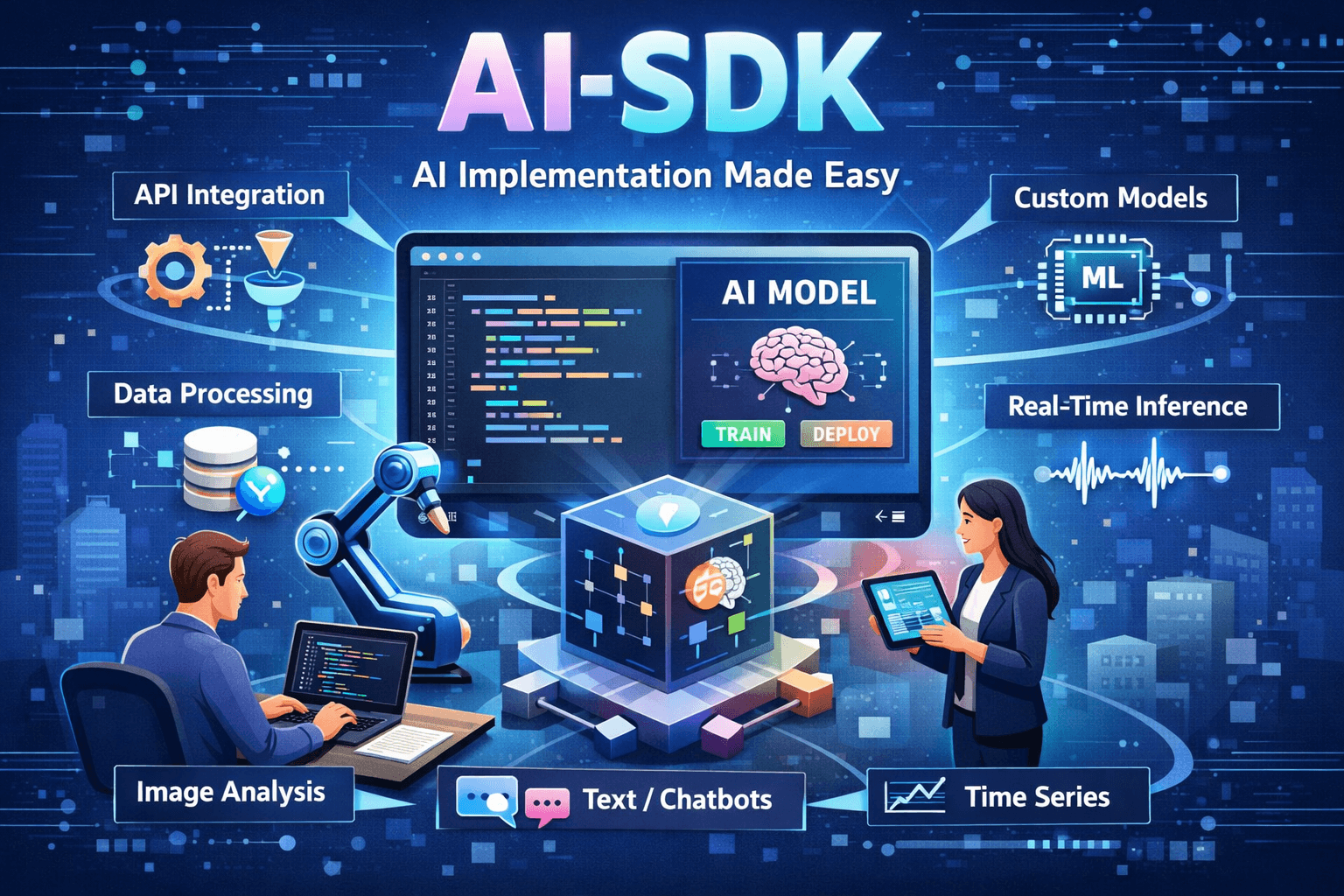
An AI SDK is the glue between your product and large language models. It packages best practices for prompt orchestration, tool calling, streaming, and safety so teams can ship AI features faster without reinventing core infrastructure.
What is an AI SDK?
Think of the SDK as a control plane for AI workflows. It standardizes model providers, manages tokens and retries, and gives you primitives like messages, tools, and retrieval. The goal is repeatable behavior and lower operational risk.
Architecture Overview
- Client layer for UI, streaming, and feedback capture
- Server layer to orchestrate prompts, tools, and policy checks
- Model gateway that routes traffic, enforces budgets, and logs usage
- Data services for embeddings, vector search, and caching
A good AI SDK keeps your product logic separate from provider quirks so you can swap models without reworking the app.
Providers and Models
Multi-provider support is table stakes. Use capability tags (reasoning, vision, low latency) to route requests. Keep a default model plus fallbacks for budget or reliability.
const model = selectModel({
  task: "support-answer",
  priority: "reliability",
  maxLatencyMs: 2500,
});
Prompt and Message Design
SDKs provide message stacks so you can separate system rules, developer guidance, and user inputs. Keep system prompts short, add constraints via JSON schemas, and store reusable prompt templates.
- System: rules, tone, and guardrails
- Developer: task context and tool availability
- User: the live request or conversation
Tools and Function Calling
Tools let the model call real services, reducing hallucinations and improving accuracy. Validate inputs, enforce rate limits, and return structured results.
const tools = {
  lookupOrder: {
    description: "Fetch order details by ID",
    params: { orderId: "string" },
    execute: async ({ orderId }) => getOrder(orderId),
  },
};
Retrieval and Knowledge
Retrieval-augmented generation (RAG) keeps answers grounded in your data. Index documents, attach metadata, and use filtering to prevent irrelevant context.
- Chunk content with headers and section titles
- Store embeddings in a vector database
- Retrieve top-k matches and pass to the model
Streaming and UX
Streaming improves perceived speed. Pair token streams with optimistic UI, partial citations, and a fallback for slower calls.
- Show typing indicators and progressive tokens
- Reveal sources once the model commits to them
- Offer retry and edit controls for the user
Safety and Guardrails
Guardrails are the difference between demos and production. Apply content filters, policy checks, and tool-level permissions to each request.
- Pre-check inputs for sensitive data or policy violations
- Constrain tool access by user roles
- Post-check outputs for PII or unsafe content
Observability and Evaluation
Track latency, cost, and accuracy with trace IDs. Store prompts and responses in a review queue so you can run offline evaluations and A/B tests.
Deployment Checklist
- Set budget caps and fallback models
- Configure caching for repeated or similar prompts
- Log user feedback for continuous tuning
- Monitor tool failures and implement retries
FAQs
Do I need multiple models? Start with one reliable model, then add a fast or low-cost fallback for traffic spikes.
How do I reduce hallucinations? Use tools for trusted data, add retrieval, and enforce citations in the response schema.
Is streaming required? It is optional, but it dramatically improves user trust in response time for longer answers.
Need Help?
Want help selecting models, designing prompts, or integrating tools? OurAI solutions team can assist with architecture and production readiness.